When the Hospital Lobby Becomes a Patient Flow Congestion
For many patients, the hospital experience begins at the reception counter. Registration, appointment verification, token generation, and routine information updates can place multiple demands on the same front desk team, particularly during busy OPD hours. As more patients arrive at similar times, even simple administrative tasks can create physical queues, increase waiting time, and add pressure to both patients and staff.
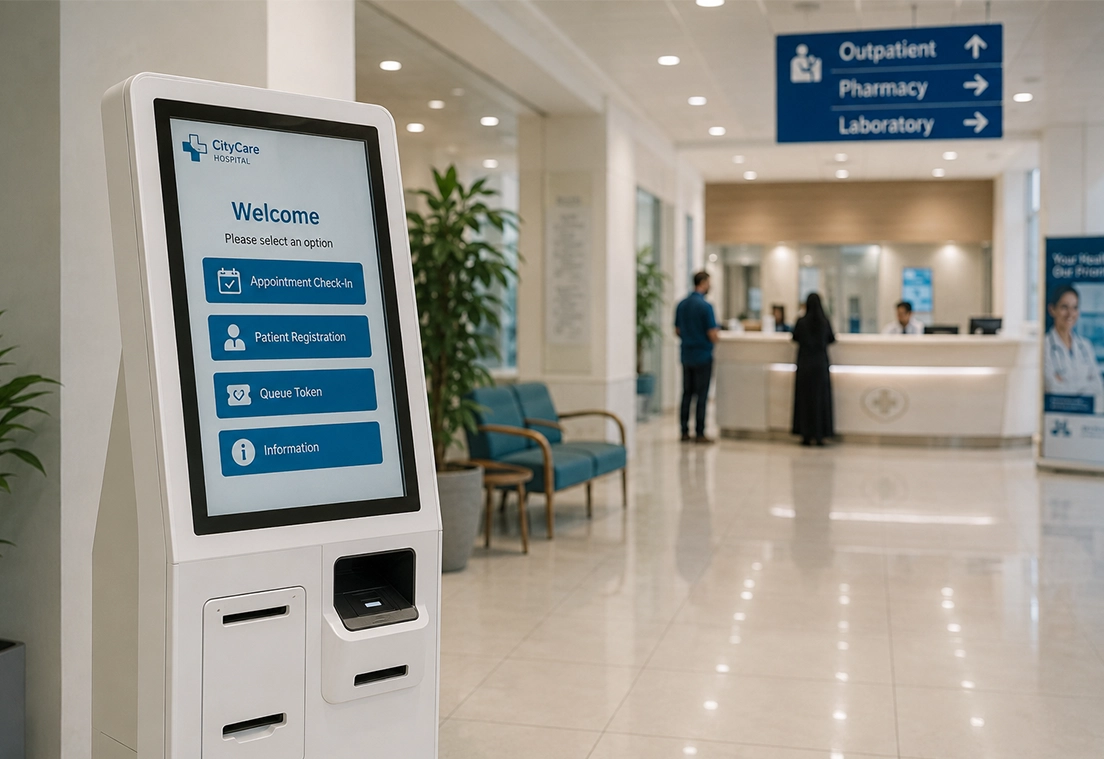
The challenge is not always the number of patients entering the hospital. It is often the number of routine tasks concentrated at a single service point. A Self Service Kiosk for Hospitals can shift appropriate activities from the reception counter to a digital self service channel, allowing patients to complete routine steps independently while staff focus on interactions that require assistance or human judgment.
This creates the foundation for an "invisible queue", where patients can enter a more structured and digitally managed patient flow process instead of depending entirely on a physical line at the hospital front desk.
Understanding the Invisible Queue in Healthcare
An invisible queue changes how patients move through routine hospital processes without requiring them to remain at a physical reception line. The journey can begin with physical arrival, followed by self-registration through a hospital kiosk. After registration or appointment check-in, the patient can receive a token and enter a digital queue connected to the hospital's workflow. As the queue progresses, notifications can help patients stay informed about their turn, reducing the need to continuously wait at a crowded reception or waiting area. The patient can then move to the appropriate department when required. The invisible queue does not necessarily eliminate waiting. Instead, it makes the waiting process more structured, visible, and digitally managed, giving patients greater flexibility while helping hospitals organize patient flow more effectively.
Connecting Self service Kiosks to Hospital Systems
A Self service kiosk delivers greater value when patient interactions connect directly with the hospital's existing digital workflows. Integration can connect the kiosk with:
- Hospital Information System: Patient and operational workflows
- Hospital Management System: Administrative processes
- Appointment Management: Appointment confirmation and check-in
- Queue Management: Token generation and patient flow
- Patient Registration: Digital patient information capture
- Billing and Payment: Supported front desk transactions
- Electronic Medical Records: Relevant patient information
This creates a connected patient journey where the kiosk serves as the entry point and hospital systems manage what happens next.
Hospital Kiosks for Smarter Digital Patient Flow
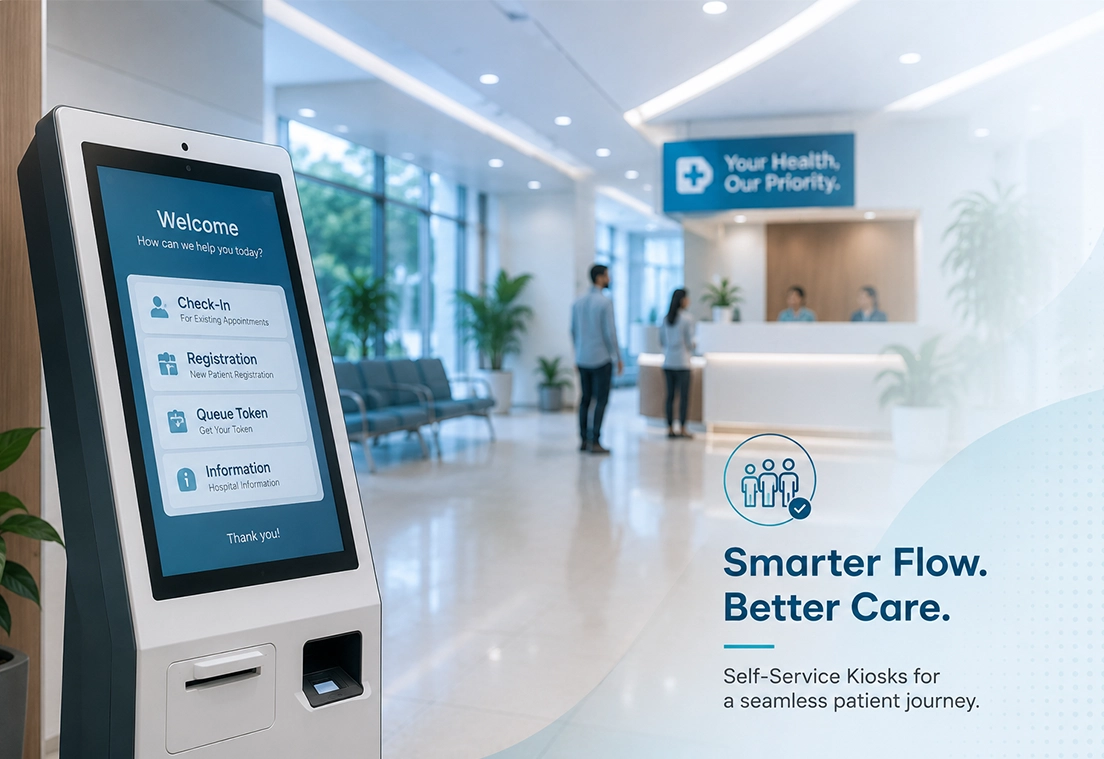
A Self Service Kiosk for Hospitals acts as a physical entry point into the digital patient flow process. Instead of directing every routine interaction through the reception counter, patients can complete appropriate arrival tasks independently and move into the next stage of their hospital journey.
- Patient Registration Patients can enter or confirm required registration information through a guided self service process.
- Appointment Check-InPatients can confirm their arrival for a scheduled appointment without depending entirely on reception staff.
- Patient Information Updates Patients can review and update relevant personal information when required.
- Token GenerationA kiosk can issue a physical or digital token, allowing patients to enter the hospital's queue management process.
- Identity or Information VerificationRequired patient details can be verified before the patient proceeds to the next stage of care.
Implementing Self service Kiosks in Hospitals
Introducing a Self service Kiosk for Hospitals requires more than placing a digital terminal in the lobby. Hospitals need to understand where patients experience delays, which activities are suitable for Self service, and how the kiosk will fit into existing workflows. A practical implementation can begin with the following considerations:
Map the Patient Journey
Identify bottlenecks across registration, appointment check-in, token generation, waiting, and consultation to determine where Self service can provide the most value.
Start with High-Volume Workflows
Begin with busy OPD departments or routine patient processes where repetitive front desk interactions create significant congestion.
Consider Data Privacy
Ensure patient information collected through the kiosk is handled according to applicable healthcare data protection and privacy requirements.
Prepare Hospital Teams
Reception and operational staff should understand the new workflow and know when to assist patients or handle activities that cannot be completed through Self service.
Plan the Transition
Introduce the kiosk alongside existing processes where necessary and evaluate patient adoption before expanding across additional departments.
Maintain Human Assistance
Self service should complement the front desk, not become the only option. Patients who need assistance, cannot use digital channels or have complex requirements should have access to staff support.
When technology, hospital workflows, staff support, and patient needs are considered together, Self service can become a practical component of modern Digital Hospital Solutions.
Incident Reporting Across Critical Hospital Departments
Incident reporting does not belong to one particular department, it is for quality improvement throughout the healthcare organization. There are specific clinical and operational risks associated with each department, from the Operation Theatre (OT) to Intensive Care Unit (ICU), the Emergency Department to the Laboratory, Radiology, Pharmacy, Blood Bank and these should be reported and investigated in a timely fashion and followed up consistently. Use of a standard incident management process in these high-risk environments can enhance patient safety, improve interdepartmental coordination, minimize recurring risks, and create a consistent process for ongoing healthcare quality enhancement.
Measuring the Impact of Self service Kiosks
| Metric | Without Kiosks | With Kiosks | Improvement |
|---|---|---|---|
| Patient Check-In Time | Manual reception process | Self service check-in | Faster processing |
| Registration Time | Staff-assisted | Patient-assisted Self service | Reduced processing time |
| Queue Dependency | Patients wait at reception | Routine tasks handled unassisted | Lower front desk dependency |
| Reception Workload | High volume of routine requests | Routine requests shifted to kiosk | Staff can focus on complex needs |
| Token Management | Reception-generated | Digital or kiosk-generated | More structured queue flow |
| Patient Visibility | Physical queue | Digital queue updates | Better waiting visibility |
The Kiosk Does Not Replace the Front Desk. It Redefines It.
Self service kiosks should complement hospital reception, not replace it. Routine activities such as registration, check-in, token generation, and information updates can be handled through self service, while staff remain available for complex registration issues, insurance queries, special assistance, exceptions, and patient guidance.
By combining digital self service with human support, hospitals can reduce unnecessary front desk dependency while preserving the human interaction patients need.
Transforming Hospital Queues Through Digital Self Service
Self service kiosks are becoming part of a broader patient flow management strategy, helping hospitals move routine interactions away from physical queues while keeping human support available when needed. When connected with registration, appointment, token, queue, and other hospital workflows, kiosks can create a more structured and convenient patient journey. Aosta's BackBone Healthcare management system brings connected healthcare workflows together, supporting hospitals in integrating self service processes with broader hospital operations while maintaining a patient-focused experience.